
Transport
Use IC Cards such as Suica
Suica types, iPhone and Android requirements, top-ups, gates, and low-balance basics.
Check before you use it
Reopen these checks before booking or boarding.
Should I use iPhone, Android or a physical Suica?
On a supported iPhone, you can add Suica to Apple Wallet. Check the supported device and OS, Apple Account two-factor authentication, and an eligible payment card in Wallet. Welcome Suica Mobile is a separate iOS app; that app cannot run on Android. If device support is unclear or setup fails, use a physical IC card or paper tickets.
Official sources checked:
Do Welcome Suica and Welcome Suica Mobile expire at the same time?
No. A physical Welcome Suica is valid for 28 days from purchase; a Suica issued in Welcome Suica Mobile is valid for 180 days from issue. Do not confuse either with a regular Suica. Before leaving Japan, check the balance and expiry; adding only what you expect to spend can help avoid leftover value.
Official sources checked:
Official information checked: 2026-07
How to use Suica and IC cards
Check whether your phone works, which card to buy, and how to use it at stations. Start by choosing a tab above.
Not sure? Start here
On iPhone, check Welcome Suica Mobile first. On Android, an unsupported phone, or when setup takes too long, buy Welcome Suica or TOURIST PASMO at an airport or station.
Mobile IC
For visitors with iPhone, the English-language Welcome Suica Mobile app is usually the smoothest option. Android and unsupported-phone users should choose a physical card.
What to check
1Will it work on my phone?The visitor app supports iPhone. Many overseas Android models cannot use Japanese mobile IC cards.
- 1On iPhone, download Welcome Suica Mobile for visitors from the App Store. You must be 13 or older and use an Apple Pay-compatible device with a supported iOS version.
- 2A Suica issued in the app is valid for 180 days. No membership registration is needed, but the balance is non-refundable and expires with the card.
- 3To add a regular Suica in Apple Wallet, you need two-factor authentication on your Apple Account, a supported device, and an eligible payment card in Wallet. Changing only the region setting does not guarantee access.
- 4Welcome Suica Mobile does not support Android. Many overseas Android phones also lack FeliCa/Osaifu-Keitai, so a physical card is the reliable choice.
- iPhone / Apple Pay support
- Age 13 or older
- Supported current iOS
- Payment card in Apple Pay
- Physical card for Android
- If setup gets stuck during your trip, save time by switching to a physical Welcome Suica or TOURIST PASMO.
2From download to top-upInstall the app, issue Suica, then top up with a payment card in Apple Pay.
- 1Download Welcome Suica Mobile from the official page or App Store. The app is available in English.
- 2Agree to the terms and follow the app to issue Suica. No membership registration is required.
- 3Add a credit or debit card to Apple Pay, then top up the amount you need in the app or Wallet.
- 4An overseas-issued card may fail issuer authentication. If another card also fails, switch to a physical IC card and top it up with cash.
- The card is valid for 180 days and the remaining balance is non-refundable, so top up small amounts you can use during the trip.
Physical IC card
If mobile setup is difficult, a physical card is the most reliable option. Welcome Suica is useful for short visits.
What to check
1Where to buy an IC card at stationsYou may be able to buy IC cards at station ticket machines, counters, and airport stations. Check Welcome Suica sales locations for visitors.
- 1Regular Suica may be sold at JR East-area stations. Availability can change by station and timing.
- 2Welcome Suica is for visitors, requires no deposit, and is valid for 28 days from purchase.
- 3If you want to use it right after arrival, check official sales locations at airport railway stations such as Narita or Haneda.
- Ticket machines
- Station counters
- Airport railway stations
- Welcome Suica sales locations
- Cash
2How to top upPhysical IC cards are usually topped up with cash at station machines, ticket machines, or convenience stores.
- 1At station machines, place the IC card, choose a top-up amount, and insert cash.
- 2At convenience stores, tell the cashier you want to top up Suica and place the card on the reader.
- 3Mobile IC can be topped up inside Wallet or the app, but an eligible payment card is required.
- Direct credit-card top-up for physical IC cards is limited. For visitors, explaining cash top-up first is clearer.
3Suica vs PASMOFor visitor use on trains, buses, and shopping, they are practically the same.
- 1Suica is issued by JR East, while PASMO is associated with private railways, subways, and buses in the Tokyo area, but they can be used interchangeably in supported areas.
- 2Gate use, top-up, and shopping payment are almost the same. Suica does not mean JR-only, and PASMO does not mean subway-only.
- 3Differences matter for purchase locations, issuer procedures, commuter passes, lost-card reissue, refunds, and mobile apps.
- 4For visitors, choose the card that is easiest to buy at the airport or station. Welcome Suica and TOURIST PASMO are also options for short trips.
How to pass ticket gates
Whether mobile or physical, the basic rule is to tap the same IC when entering and exiting.
What to check
1Gate flowHold the card or phone firmly on the reader and check the sound and screen.
- 1Tap when entering, then tap the same IC when exiting.
- 2Entering with a card and exiting with a phone, or the reverse, causes an error.
- 3If your balance is too low, use a fare adjustment or top-up machine inside the gate, or ask station staff.
- 4Shinkansen, limited express, and reserved seats may require separate tickets or reservations.
- Enter and exit with the same IC
- Tap firmly
- Check balance on the screen
- Adjust fare if low
- Check separate tickets for long trips and express trains
Tips
When the gate does not open, check low balance, weak tap, entry/exit record, area crossing, and missing separate tickets.
What to check
1Why the gate did not openFirst check the gate screen to see whether it is low balance, a touch error, or a staff-handled issue.
- 1Low balance: top up inside the gate at a fare adjustment or charge machine.
- 2Weak tap: touch the reader firmly again.
- 3Different IC used: you cannot exit with a different card or phone from the one used to enter. Ask station staff.
- 4Area crossing or long trip: IC cards may not process the route automatically. Show staff your destination.
- 5Shinkansen, limited express, or reserved seats: a separate ticket or reservation may be required.
- Do not force your way through a closed gate. Step aside carefully and ask staff at the staffed gate.
2Practical advice for visitorsIf mobile IC setup does not work, switch to a physical card early.
- 1iPhone: check the official Welcome Suica Mobile requirements first. Changing only the region setting is not a reliable fix.
- 2Android: Welcome Suica Mobile is not available. Many overseas phones also lack FeliCa, so choose a physical card.
- 3Either way, do not spend too long on setup. Switching to Welcome Suica or TOURIST PASMO at an airport or major station keeps your trip moving.
Useful Japanese phrases
Buying a card
Welcome Suicaはどこで買えますか。
Welcome Suica wa doko de kaemasu ka.
Where can I buy a Welcome Suica?
Topping up
Suicaにチャージしたいです。
Suica ni chaji shitai desu.
I would like to top up my Suica.
Low balance
残高が足りないようです。どうすればいいですか。
Zandaka ga tarinai yo desu. Do sureba ii desu ka.
It seems my balance is not enough. What should I do?
Paying in a shop
Suicaで払えますか。
Suica de haraemasu ka.
Can I pay with Suica?
Mobile setup
このスマートフォンでSuicaは使えますか。
Kono sumato fon de Suica wa tsukaemasu ka.
Can I use Suica on this smartphone?
Official sources
Article updated:
Review status: Provisional translation
Editing and verification
Editorial responsibility: JAPAN LIFE GUIDE editorial team
We turn official information into practical next steps for travellers. Source-check dates are shown beside references and are separate from article updates.
These additions and translation fixes used AI assistance and were checked for content and display consistency before publication. They are not based on field testing, interviews, expert review or native-language proofreading. Translation review status is shown separately.
Editorial policy and contactShare this guide
Related guides
Browse all guides
How to Ride Local Buses in Japan: Boarding and Payment
Which door do you use, and when do you pay on a Japanese bus? Check Tokyo and Kyoto examples, numbered tickets, low IC balance and missed-stop recovery.
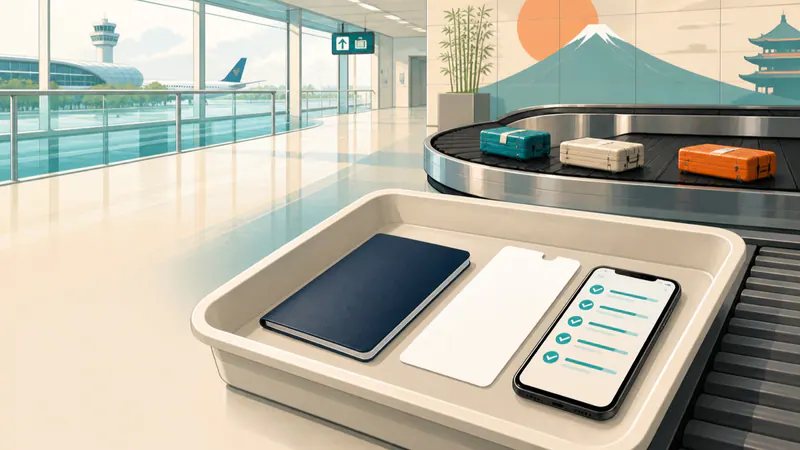
Arriving in and Leaving Japan
Prepare Visit Japan Web, follow airport arrival procedures, choose an IC card, and check tax-free goods and security requirements before departure.
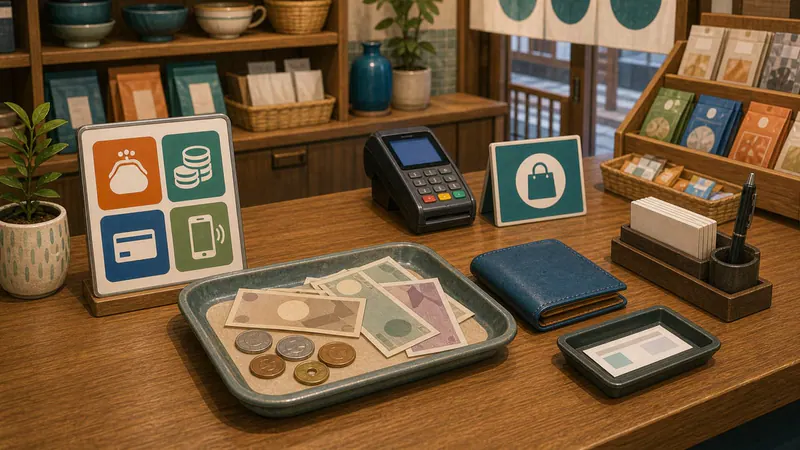
Do You Need Cash in Japan? Cash, Cards and IC Payments
Carry yen as a backup to cards in Japan. Work out how much cash you need before your next ATM stop, choose between cash, cards and IC, and handle a declined payment.
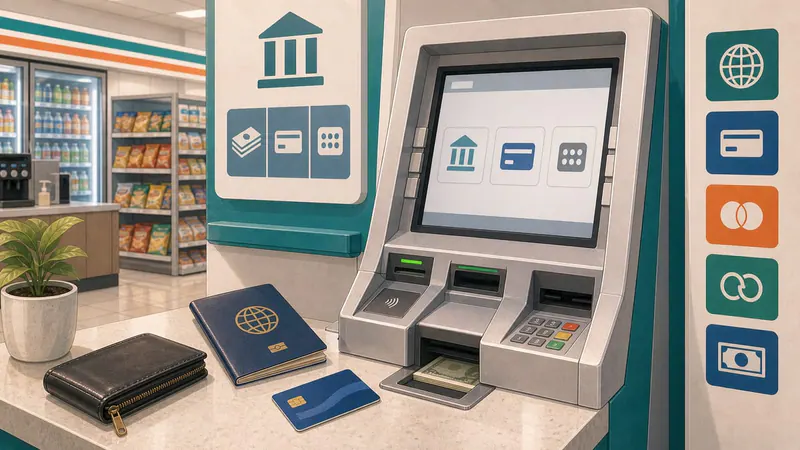
How to Withdraw Cash with a Foreign Card
Find ATMs that accept cards issued outside Japan, and check fees and withdrawal limits.